
There is a great piece of software called
nlconverter
. It’s a tool designed to convert Lotus Notes’
.nsf
files to
mbox
. It rely on win32’s COM/DDE API so it can only be used on Windows.
If you want to extract mails out of your
.nsf
database, this might be the tool you’re looking for. Bonus point: it’s written in Python! ;)
Installing nlconverter and its dependencies
Here is how I installed
nlconverter
on a Windows 2000 (SP4) machine:
-
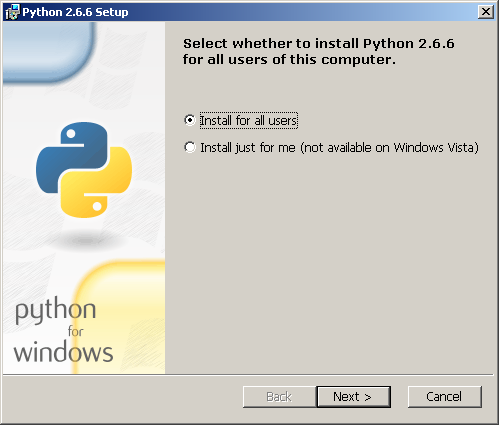
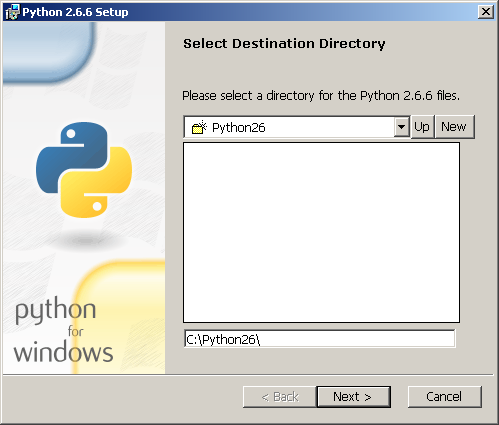
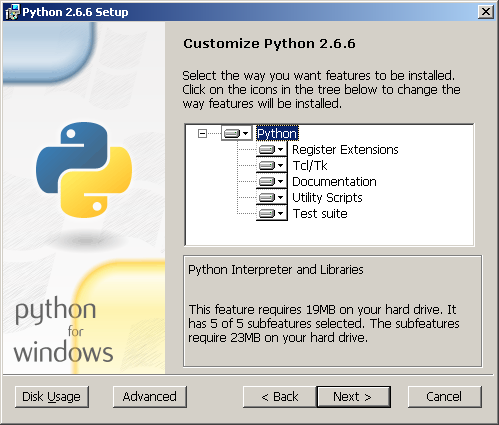
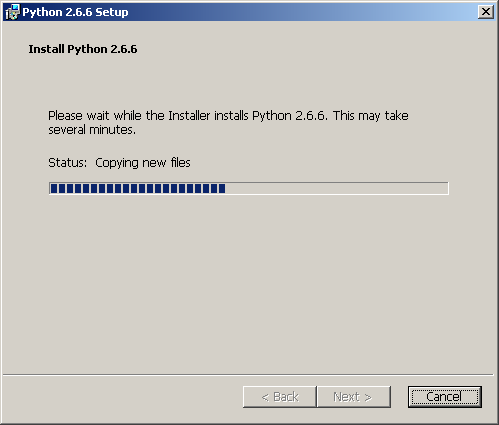
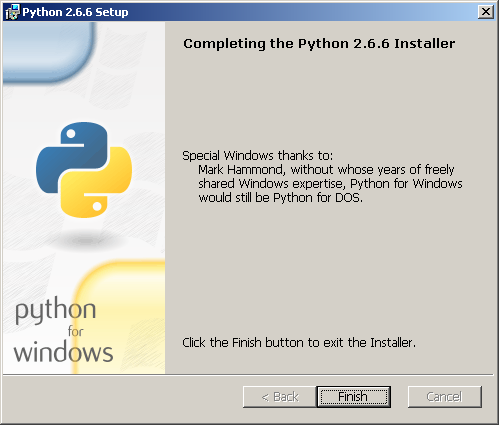
First I downloaded and installed the official Python builds for Windows ( 2.6.6 precisely ):
-
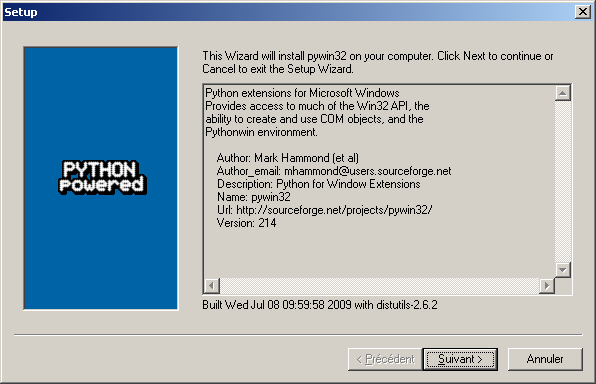
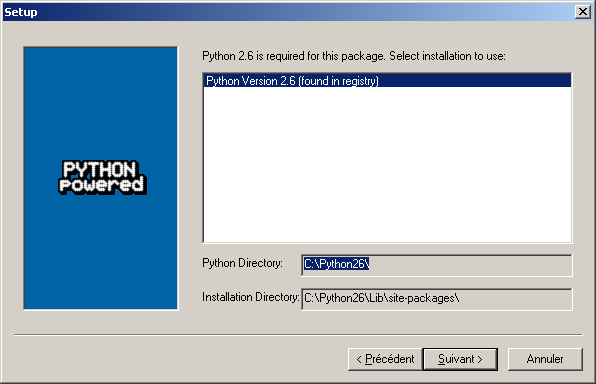
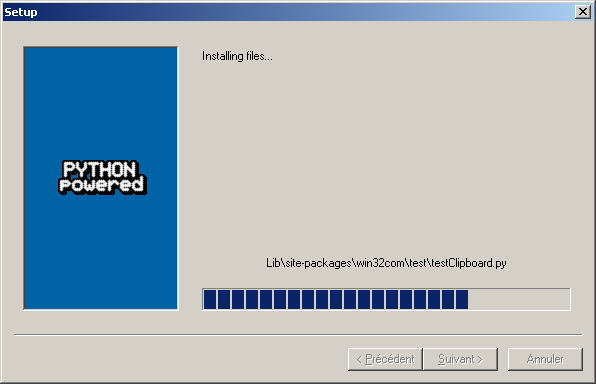
Then Python for Windows extensions ( build 214 for Python 2.6 in my case ):

-
Finally I had to download the latest
icalendararchive , then extract the\iCalendar-1.2\src\icalendarfolder toC:\Python26\Lib\site-packages\: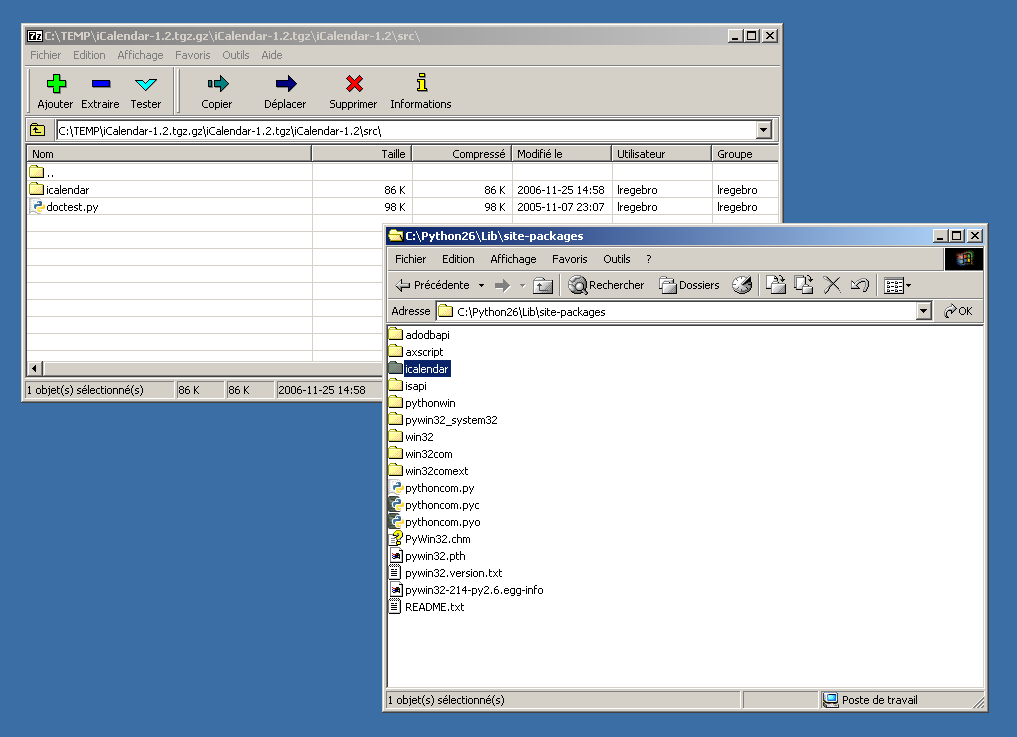
-
Next step is to download nlconverter itself and extract it:
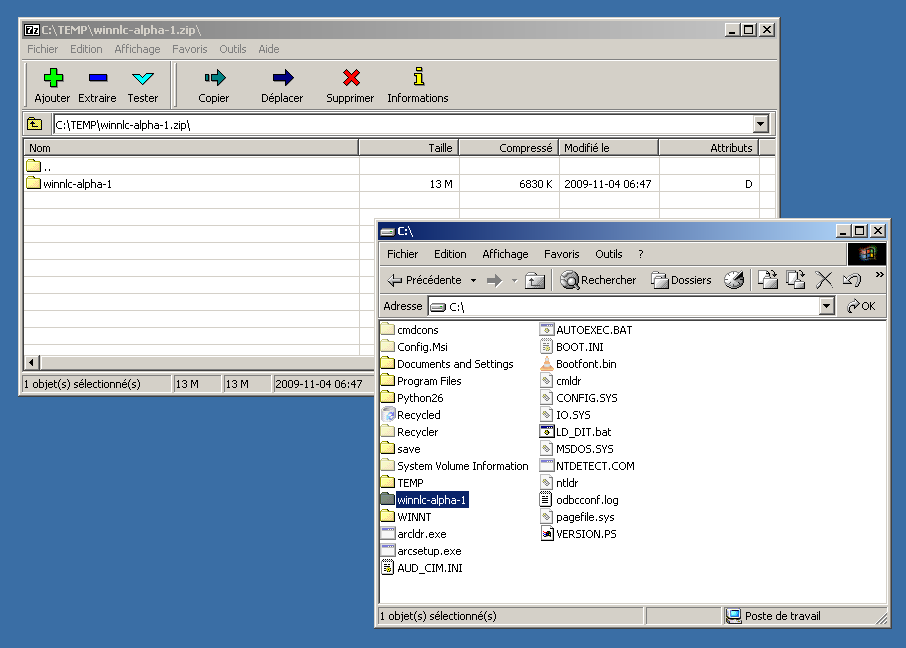
nlconverter
GUI
First thing you have to do is to create an
export of your mails as a
.nsf
database
. Follow the previous link to get the instructions.
Now let’s convert this
nsf
to a
mbox
.
nlconverter’s FAQ
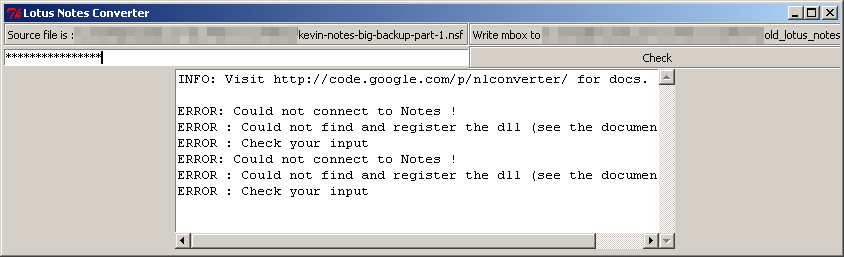
tells you to run the
gui.exe
program to perform the conversion.
Unfortunately it didn’t work for me:
So I tried the alternative approach by using the command line.
nlconverter
command line
Again, most of the things I’m writing here are based on nlconverter’s FAQ :
-
First, we have to download the
notes2mbox.pyscript from nlconverter’s mercurial repository , as this file is not distributed in thewinnlc-alpha-1.ziparchive I unzipped previously. Let’s putnotes2mbox.pyinC:\winnlc-alpha-1\: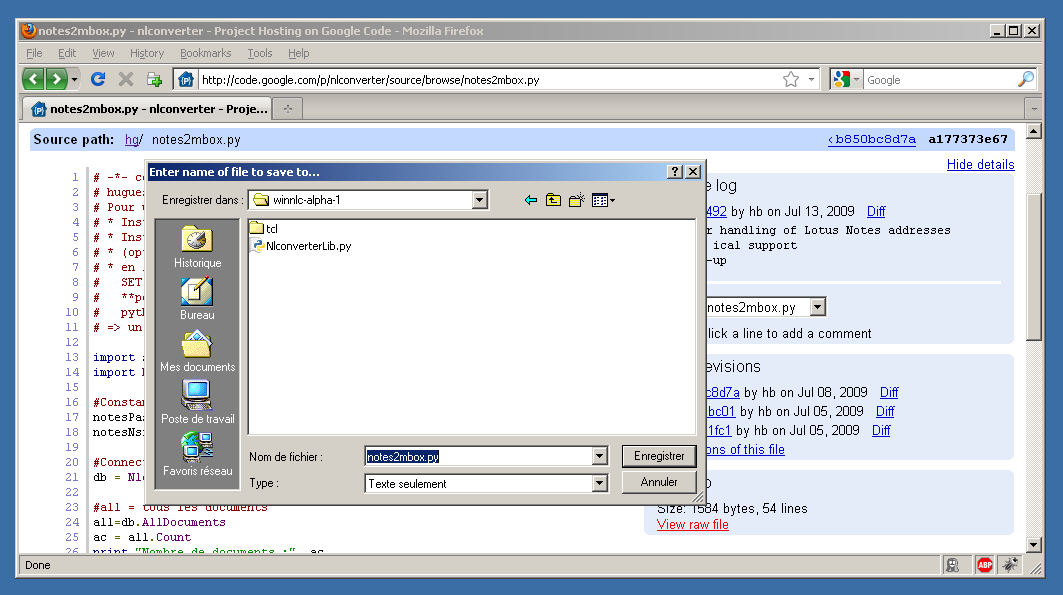
-
Now we’ll modify the
notes2mbox.pyscript to set the password (via thenotesPasswdvariable) and location (notesNsfPathvariable) of the.nsffile. Here are the modifications I applied:--- notes2mbox.py.orig 2010-09-02 13:49:58.000000000 +0200 +++ notes2mbox.py 2010-09-02 13:51:24.000000000 +0200 @@ -14,8 +14,8 @@ import NlconverterLib #Constantes -notesPasswd = "foobar" -notesNsfPath = "C:\\archive.nsf" +notesPasswd = "XXXXXXXXXXXXX" +notesNsfPath = "C:\\winnlc-alpha-1\\kevin-notes-big-backup-part-1.nsf" #Connection à Notes db = NlconverterLib.getNotesDb(notesNsfPath, notesPasswd)
-
Before running the script, we have to register a Notes DLL used by nlconverter:
regsvr32 "C:\Program Files\Notes\nlsxbe.dll"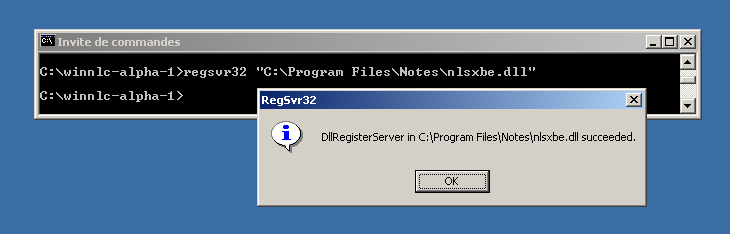
And make the Python interpreter available system-wide:
C:\winnlc-alpha-1>SET Path=%Path%;C:\Python26
-
Now we can run the
notes2mbox.pyscript:C:\winnlc-alpha-1>C:\Python26\python.exe notes2mbox.py
If you’re lucky, you’ll get a nice mbox at the end of the process.
But I was not and the
notes2mbox.pyended up with the following error:Traceback (most recent call last): File "notes2mbox.py", line 21, in <module> db = NlconverterLib.getNotesDb(notesNsfPath, notesPasswd) File "C:\winnlc-alpha-1\NlconverterLib.py", line 43, in getNotesDb session = win32com.client.Dispatch(r'Lotus.NotesSession') File "C:\Python26\lib\site-packages\win32com\client\__init__.py", line 95, in Dispatch dispatch, userName = dynamic._GetGoodDispatchAndUserName(dispatch,userName,clsctx) File "C:\Python26\lib\site-packages\win32com\client\dynamic.py", line 104, in _GetGoodDispatchAndUserName return (_GetGoodDispatch(IDispatch, clsctx), userName) File "C:\Python26\lib\site-packages\win32com\client\dynamic.py", line 84, in _GetGoodDispatch IDispatch = pythoncom.CoCreateInstance(IDispatch, None, clsctx, pythoncom.IID_IDispatch) pywintypes.com_error: (-2147221231, 'ClassFactory ne peut pas fournir la classe demand\xe9e', None, None)
As you can see, I tried hard to make nlconverter working, without any success. But this should not stop you to try. In fact I suspect the Lotus Notes installed on my machine to be crippled or corrupted (can’t really tell). So you may be more lucky than me. In any case, feel free to report any success or failure in the comment section below!
19 archived comments
Comments are closed. These were posted on Disqus, and are archived here.
-
BTW, the exception message above is translated in french as it was the language used by default in my environment. With a little help from Google, here is the english version of that exception:
pywintypes.com_error: (-2147221231, 'ClassFactory cannot supply requested class', None, None)-
FYI, the traceback error was reported in nlconverter's bug tracker.
-
-
Thanks for this tutorial, I managed to get all mails and calendar stuff from that Lotus crap to my beloved Kmail !
Don't know why it doesn't work for you but I can confirm that the procedure you followed is correct (I just had to uncomment line 31 of
notes2mbox.py).-
@zanko: I just got from the original author of nlconverter the right to commit in the Mercurial repository. I've pushed the change you made in revision 3c07939b39. Thanks for your comment ! :)
-
-
From @vostweets: Mail is converted just fine! I got it via the GUI - I found out that you cannot have Lotus Notes running at the same time - you have to quit Notes completely before you can use nlconverter or any other.
I found two important issues:
- no folder structure is retained.
- Instead internet email address, the Notes email address is output.
Because of (1) and a little bit (2), I find Transend Migrator better, although you have to pay for it. But when I collect 6 months of mail and categorize it in various folders...
-
Hello, thanks a lot for this nice and useful tutorial.
Like Marc above, I miss the folder organization I had within my.nsffile.
Unlike him, I don't wanna pay for 4 licences, since my archives are splitted in different files (and I feel like I won't get a rebate).
Would there be any chance that the folders can be maintained when exporting a.nsffile to a.mbxformat ?-
Hello,
Thanks for this tutorial, I managed to make it work but e-mails in mbox files are empty (it might be because I use the demo version) and it doesn't save the folder tree.
As Pastix said would be nice to maintain folders.-
hello,
it should be possible to maintain the directory structure, it was just not fitting in my workflow when I wrote nlconverter.
I will try to have a look. Maybe you could open a ticket on the bug tracker ?
-
-
-
BTW, if you get the following error:
C:\Python26\lib\site-packages\icalendar\prop.py:980: DeprecationWarning: object.__init__() takes no parameters
  unicode.__init__(self, *args, **kwargs)
it means that you're using an old version of the
icalendarlibrary. To fix this, get the latest version from PyPi. -
Another error you might encounter, is this one:
python.exe - Entry Point Not Found

The procedure entry point ?PyWinGlobals_Ensure@@YAHXZ could not be located in the dynamic link library pywintypes26.dll
It may appear when you try to run the
notes2mbox.pyscript within thenlconverter's main folder. This is due to precompiled libraries conflicting with the ones present on your system.The fix for me was to delete all
*.pydand*.dllfiles located in theC:\winnlc-alpha-1\folder. -
Hi guys.. the nlconverter source/site is gone... all links on Google point to the same location... Is there an additional site where I can download the tool?
/Meek
-
It seems that when I logon with my google account I get an access denied:
Your client does not have permission to get URL /p/nlconverter/ from this server.
isn't it supposed to be downloadable for all?
-
Actually I found another way of doing it which also proved a lot easier....
http://tech.niques.info/projects/lotus-notes-email-export/
I now have 5 years of Notes Email safely stored within Thunderbird ;-)
-
@Meek: a friend tried this method a year ago but the agent was prone to crash past several hundred mails. It also crashed hard on strangely formatted mails (like calendar sharing requests). He finally managed to use that migration method by carefully selecting messages he exported. I'm not sure this extra-manual work is bearable on large corpus of mails...
-
-
-
Conversion went on quite smoothly (Python 2.7.2).
Next, Thunderbird (with addon: ImportExportTools) was able to import the resulting mbox correctly (complained a few times about a script).
Compliments for the article! -
Worked fine with python 3.2.2,
pywin32-217for py3.2,winnlc-alpha-1. No error messages. No config files or paths was edited. Converted over 4 Gb of old mails in 5 files.