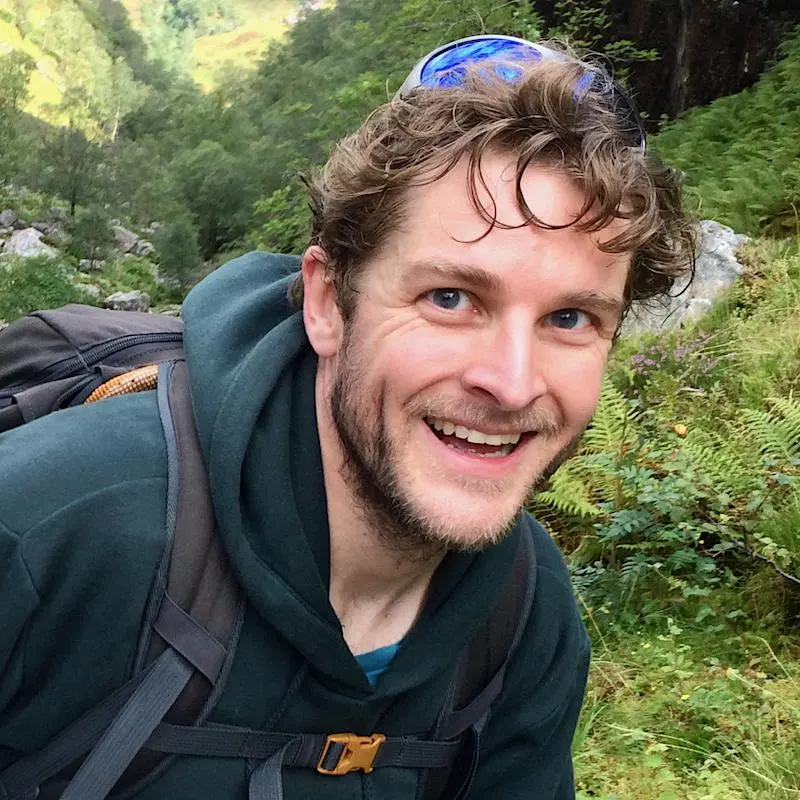
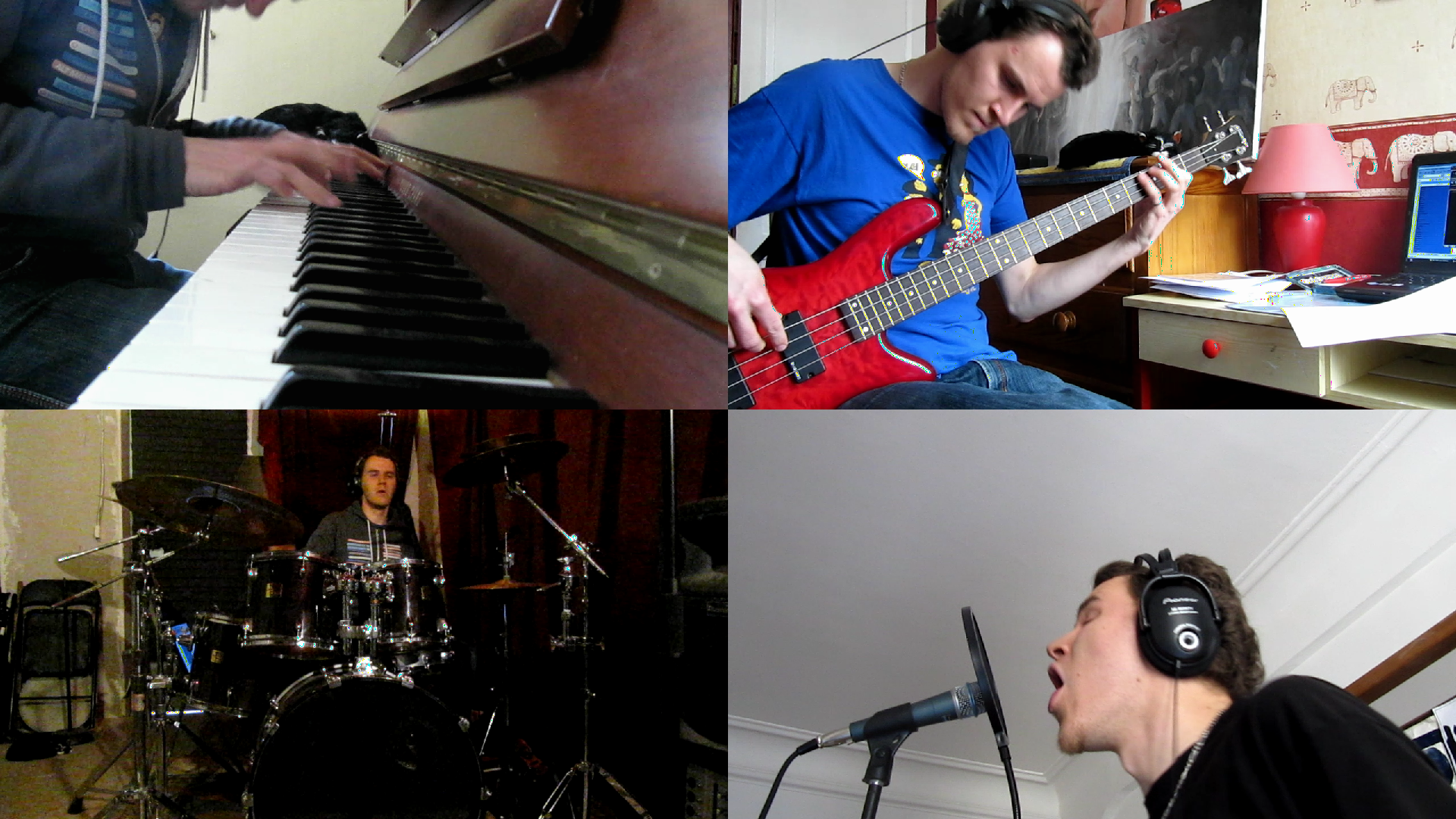
Last month I edited the Wish You Looked at Me video clip for the Omashay project . This is a side-project of Cool Cavemen’s saxophonist . The video is finally available on YouTube:
https://www.youtube.com/watch?v=iHi0lwhTqqc
All the video material was shot by Tomasito itself, with his Canon PowerShot SX200IS point-and-shoot camera. This camera produce 30fps 720p clips.
He came to me with all these
.mov
files, and the idea of combining them into
a classical split-screen layout. He had no idea how to do this, so I accepted
to help him with my technical knowledge.
I fired up my Kdenlive (v0.8 on Kubuntu 11.04) and in a matter of hours, the project was done. With source videos of 720p, I naturally chose 1080p as the final resolution. I kept the 30fps framerate to not alter the original time resolution.
The most boring part of the edit was the first step, in which we synced all clips together with the reference audio track. Here is how the timeline looked, with one track for each instrument:
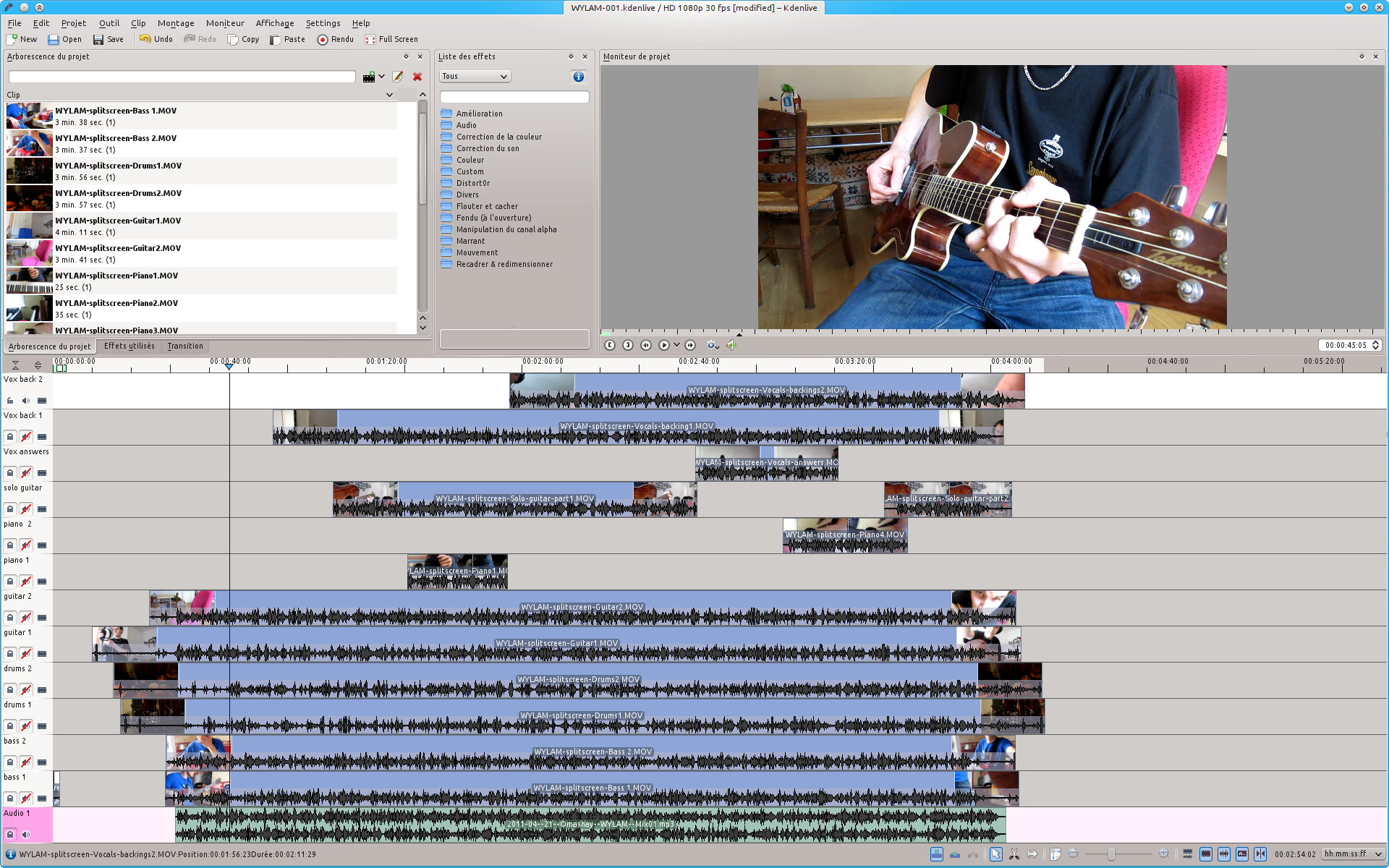
We had to work around some annoying Kdenlive bugs, as it had some problems handling so much tracks in parallel. Fortunately these bugs were fixed in a matter of days with a new build of MLT.
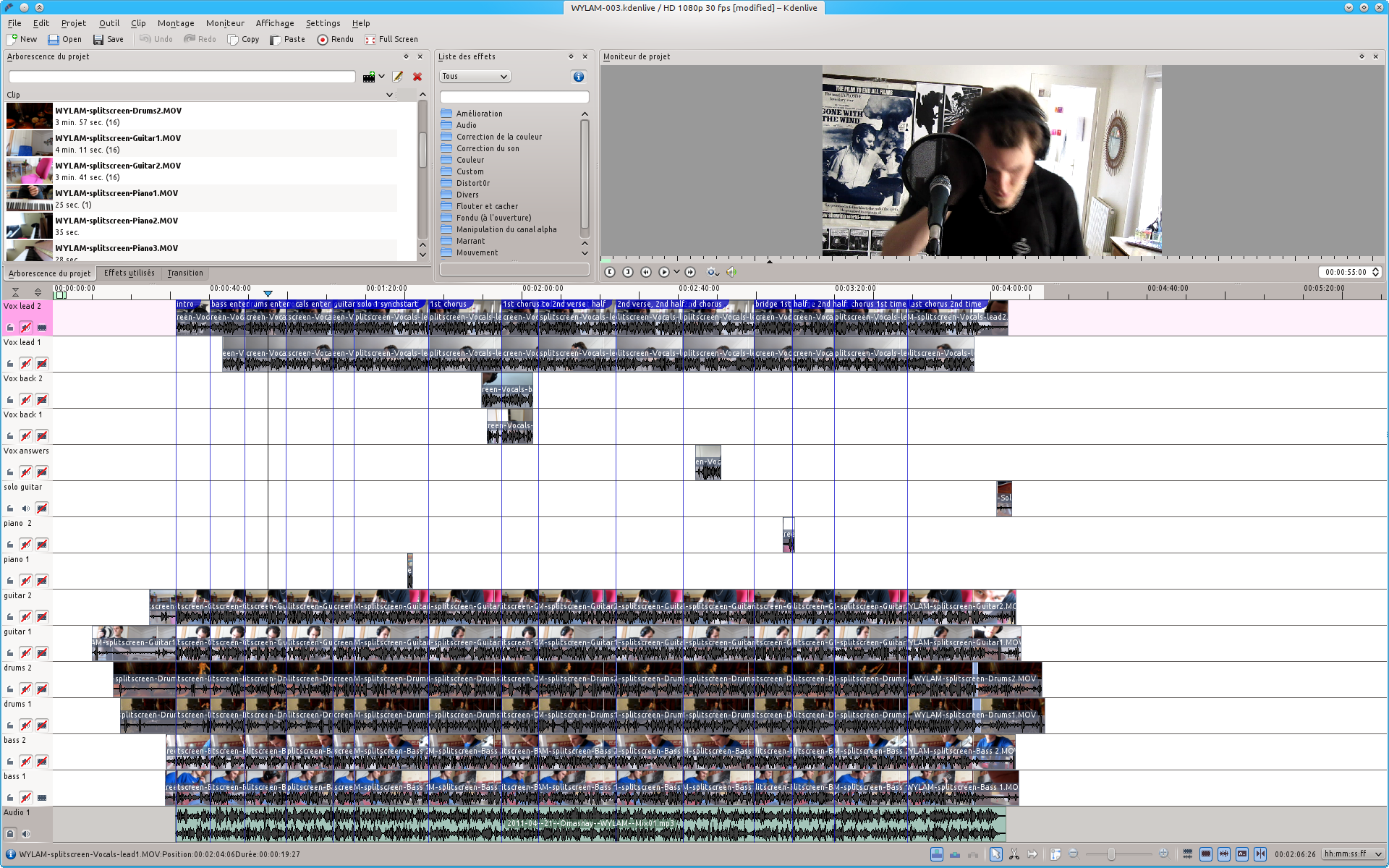
Next step was to mark out the structure of the song. Tomasito placed blue markers along the timeline, and we cut all tracks following that structure. It resulted in a matrix of clips:
Then for each segment, we choose the 4 clips that we wanted to show and deleted the others:

Then I created 4 special tracks to which I applied a global positioning and scaling effect, to have each track fill one corner of the screen. We moved there all the clips we selected in the previous step, and cleaned up the timeline a bit:
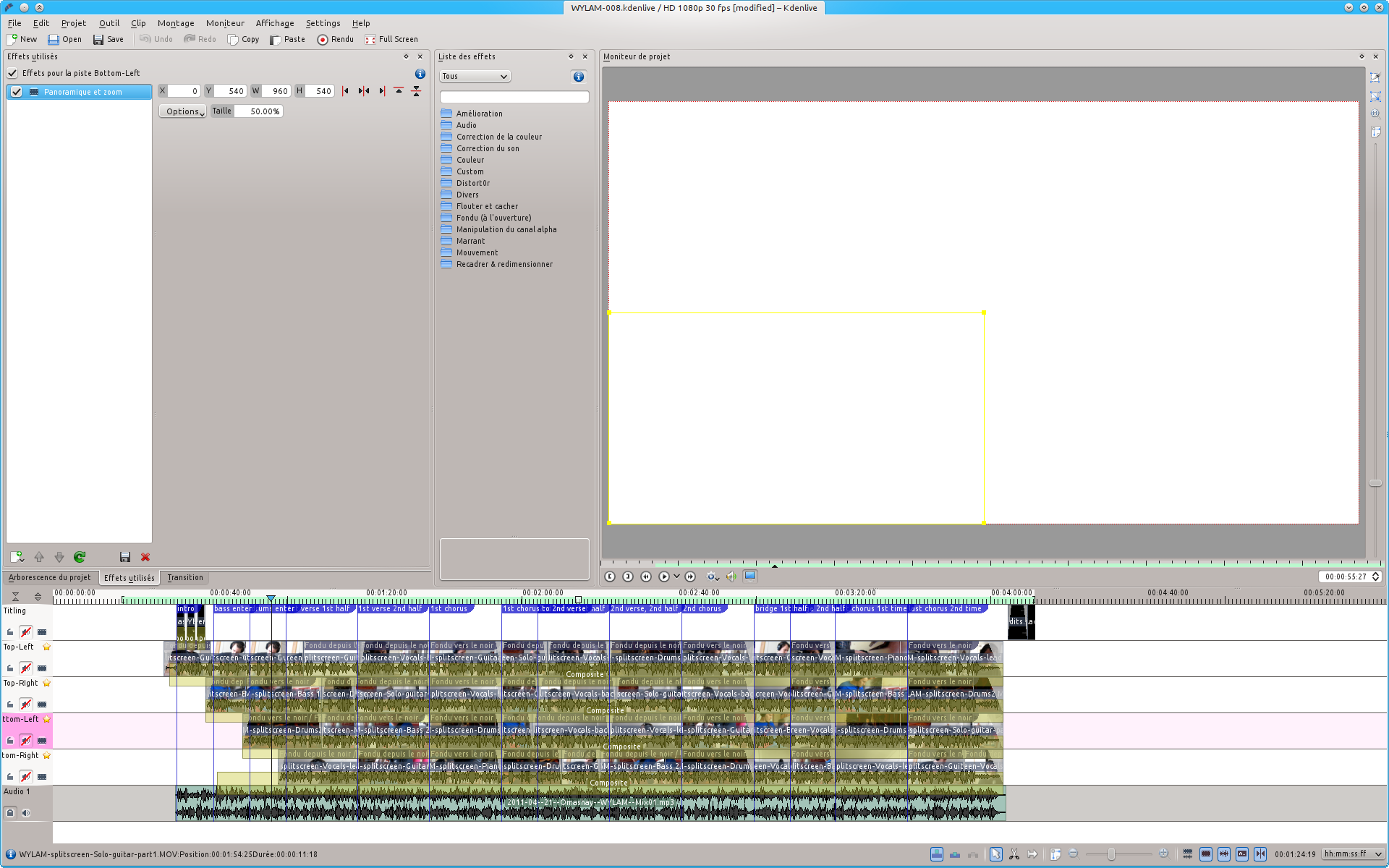
At this stage the project was mostly done. It was just a matter of adding intro, outro and fade in/out to obtain our final video:
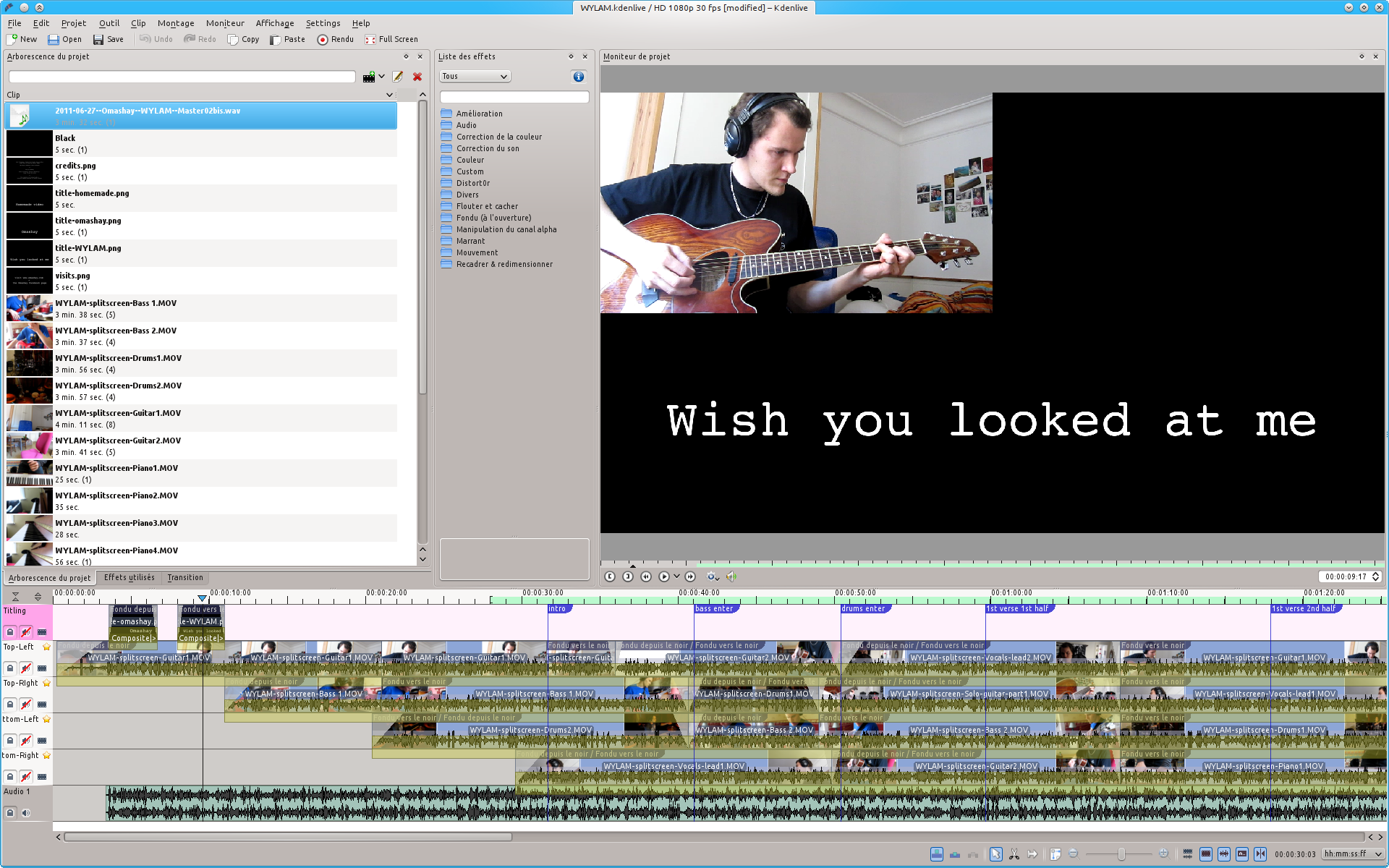
Tomasito basically did the whole editing of the project. And I have some evidences:
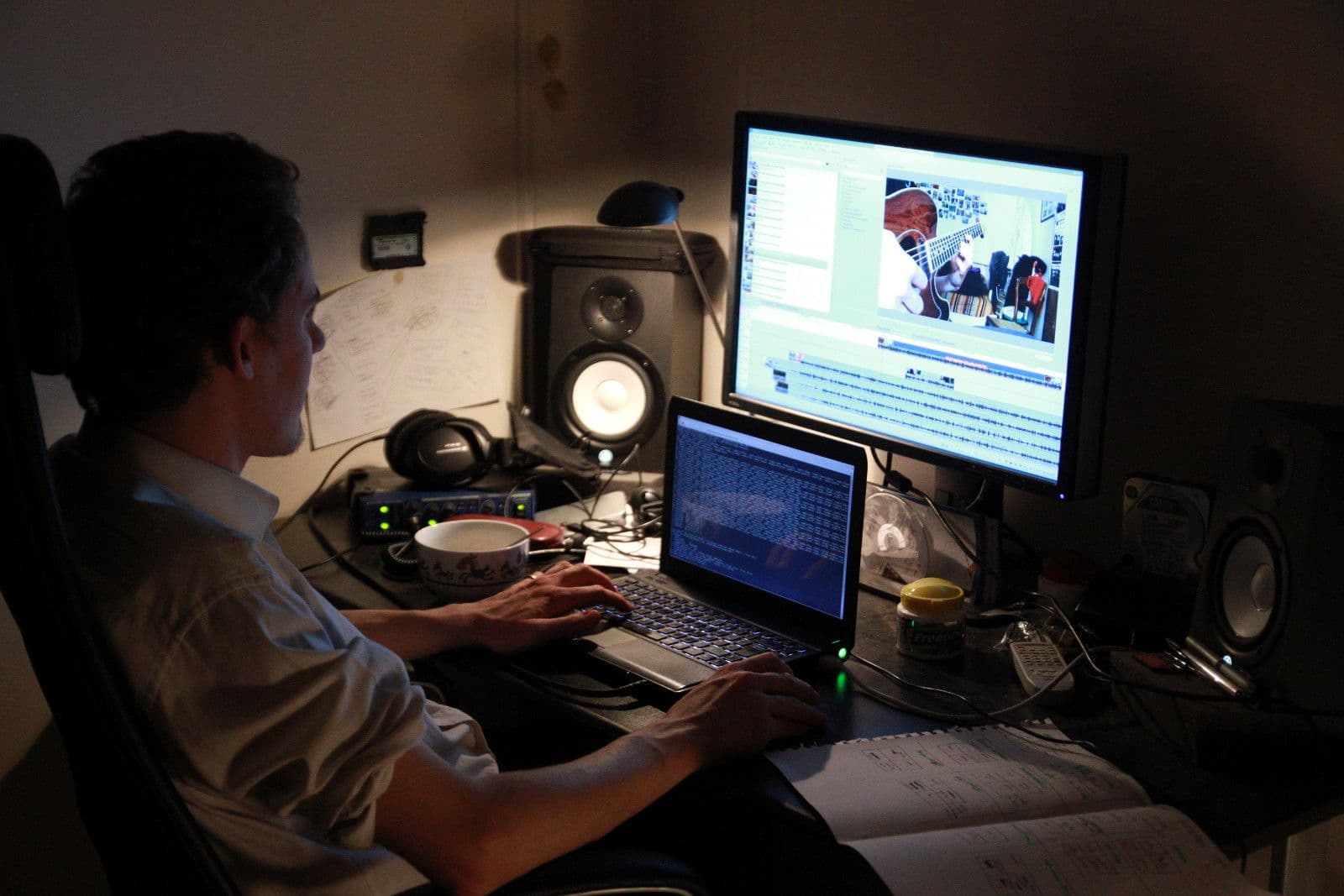
I just showed him how to manipulate Kdenlive timelines, and cut/move/paste clips, and he was absolutely autonomous in a matter of minutes. I just did the transitions, the title cards integration and the screen splitting. I’m not sure I deserve the title of editor for this project, but he still insisted to add me in the credits… :)
Of course split-screen is far from new and was done a million times before . But it’s a simple yet effective concept that require absolutely no investment (apart time). This also gave me the opportunity to play again with Kdenlive and assess its user-friendliness and edit capabilities on a real project. But at the end, it was just a great excuse to work with a friend on a little video project! :)
3 archived comments
Comments are closed. These were posted on Disqus, and are archived here.
-
I loved that video. Great project! I'll have to try Kdenlive next time I want to publish a simple video.
-
@djib: Kdenlive is worth a try, even if your primary desktop manager is not KDE. Kdenlive suffered from heavy instabilities in its early days. But this was a long time ago and today it's the most stable and practical video editing software available on Linux.
-
-
Great teamwork Kev ! Loved working with you and would love to work on a new video with you ! ;-)